
The Case of The Catfishing Content
Built a process to swap glossy placeholder fantasies for honest content that exposed real design flaws.
Challenge
Our design team was using generic placeholder content like “Property 1, Property 2, Property 3” or lorem ipsum in designs, sometimes all the way to right before launch. It looked clean, but hid real problems.
With generic content, we missed things like:
With generic content, we missed things like:
- Property names that are more than 5 words long and break layouts
- Task titles used as descriptions
Generic placeholders also killed real copy conversations. With realistic content, we’d naturally ask: Is this clear? Should we standardize this?
Solution
I found a Figma plugin called data.to.design (fka Kernel) that connected to Google Sheets. I collected realistic data (e.g. property names, task titles, descriptions, images), organized them in sheets, and built a system to bulk-apply realistic content to mockups in seconds.
Then I documented the process in our UX Writing & Content Notion space so designers could reuse it.
Then I documented the process in our UX Writing & Content Notion space so designers could reuse it.
What I impacted
faster content in mocks
- Once set up, inserting real content took seconds instead of ~20 minutes, freeing time for design thinking instead of copying and pasting.
Designed for reality, not ideal layouts
- Long property names surfaced layout issues early. Task title patterns informed my card design decisions.
Useful system, low adoption
- I hit the functional goal: reusable datasets + fast insertion, but I was the only one who adopted it long-term.
What I Learned
Real content forces better design Decisions
- Generic placeholders let you talk about layout. Real content makes you ask if users will actually understand what they're looking at.
Tools alone don't change team behavior
- Documentation, demos, and templates weren’t enough. For adoption, content needed to live in our design system as seamlessly as components, not as an optional side process.
How I tackled it
I explored options for inserting realistic content and tested multiple approaches before landing on a more scalable method.
Before
Before finding the data.to.design plugin, this was more or less my process for gathering placeholder content:
- Take the time to make up property data
- Manually type that data into each instance of a property details component
- When sort order was required: Manually sort the names alphabetically
- For longer form text: Copy and paste text from a lorem ipsum generator
The main pages where I was looking to use placeholder data for properties in mocks were our Property Schedule and Property Details pages.
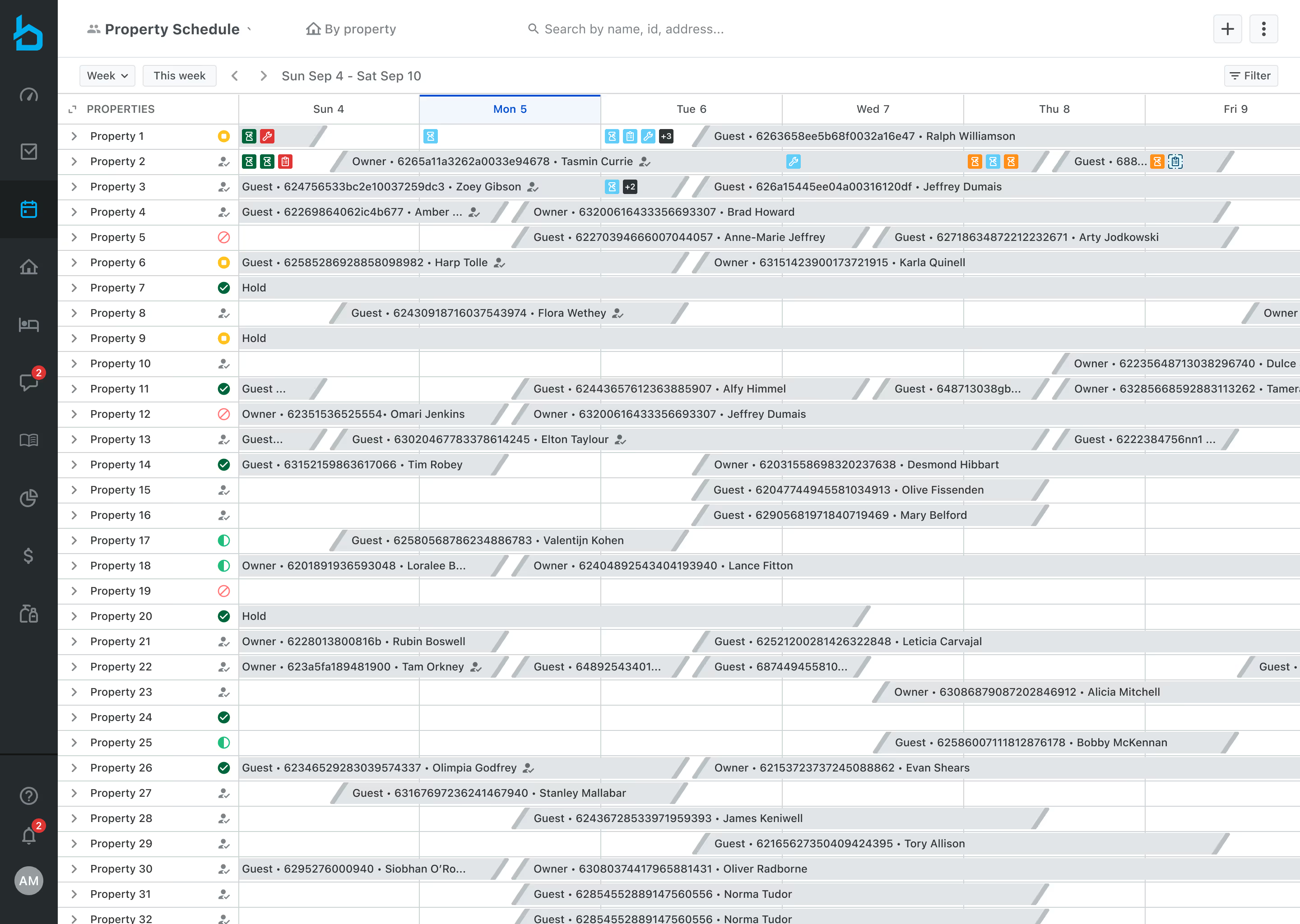
Caption: An example of the Property Schedule page with generic and numbered property names before finding and using the data.to.design plugin.
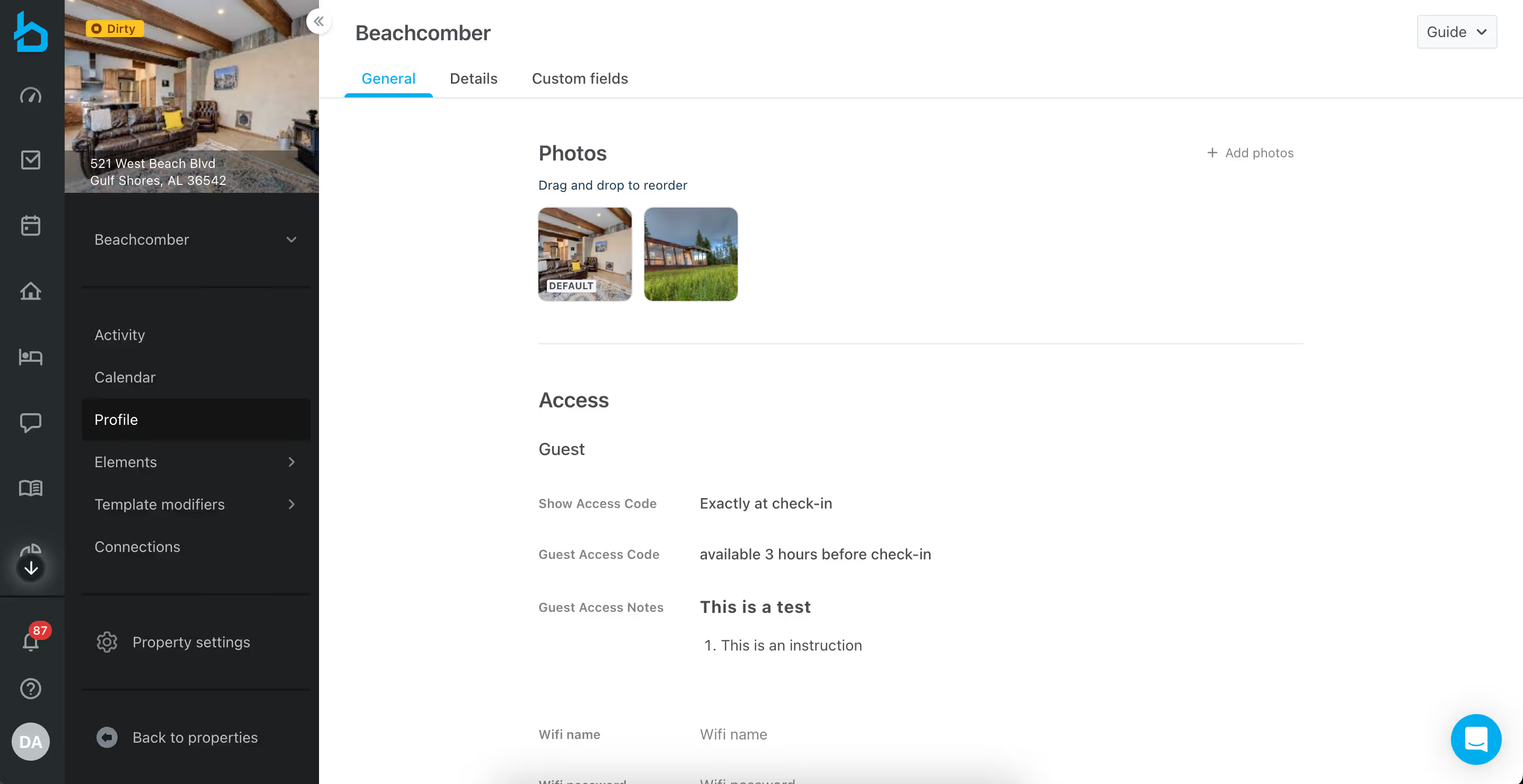
Caption: Clicking on a property name from the Schedule brought users to the Property Details page. This particular page under Profile > General is where property managers could add photos of the property, guest access details, etc.
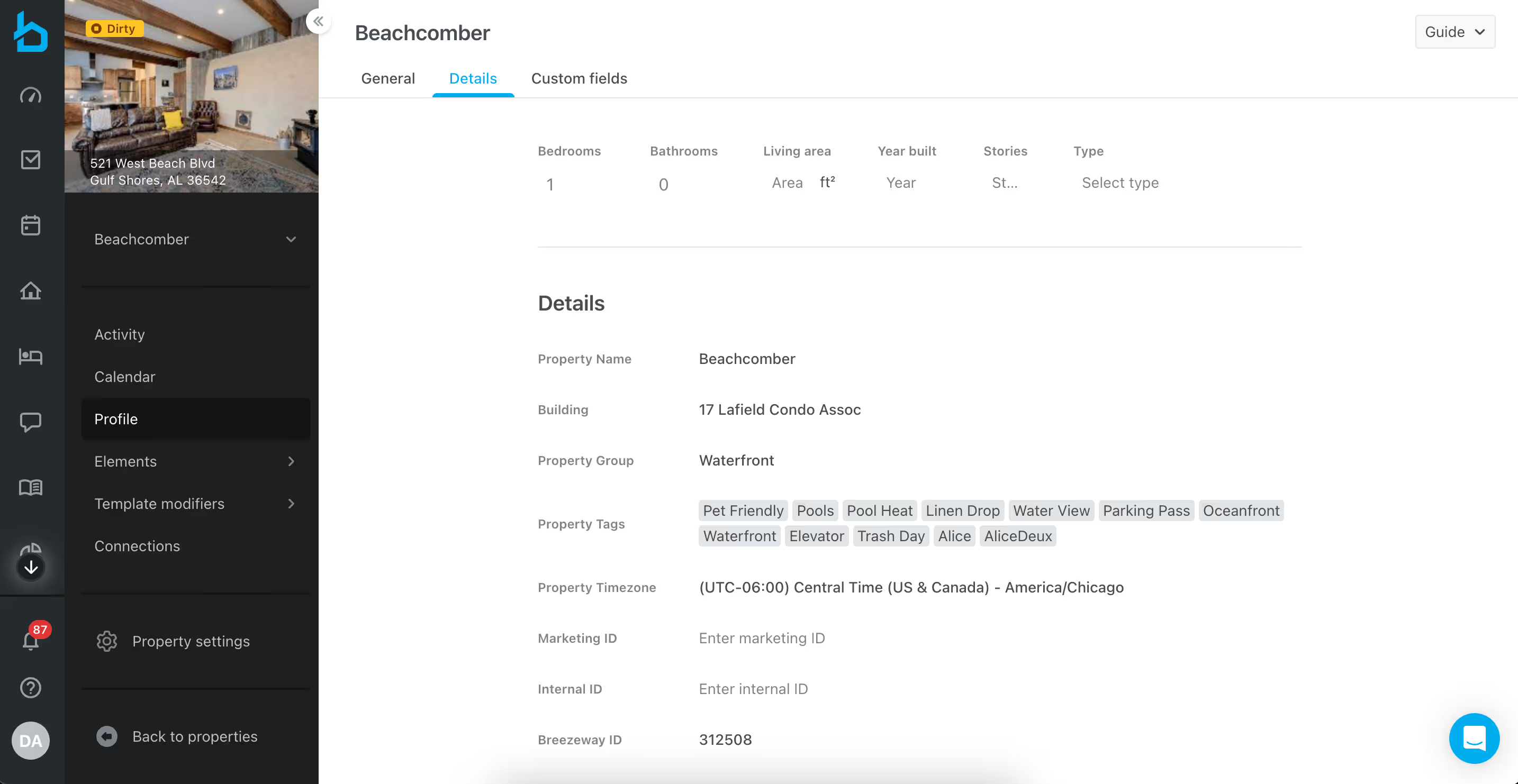
Caption: Property managers could associate their properties here with tags, groups, specs, and IDs. These details made it easy to filter properties on scheduling pages and apply bulk actions to specific subsets.
Testing different approaches
Keep in mind, this was Q4 2022. Gen AI wasn't advanced enough to be useful yet for this kind of work. Before finding my solution, I had already tried a few things:
- Websites like Mockaroo: Good for structured data, tedious to apply to mocks
- Mock Data Generator plugin: Quick but limited data sets
- Content Reel plugin: Required managing multiple manual lists with no structure other than separation by line breaks.
- Unsplash plugin: Limited to photos, hard to find sets of photos for the same property
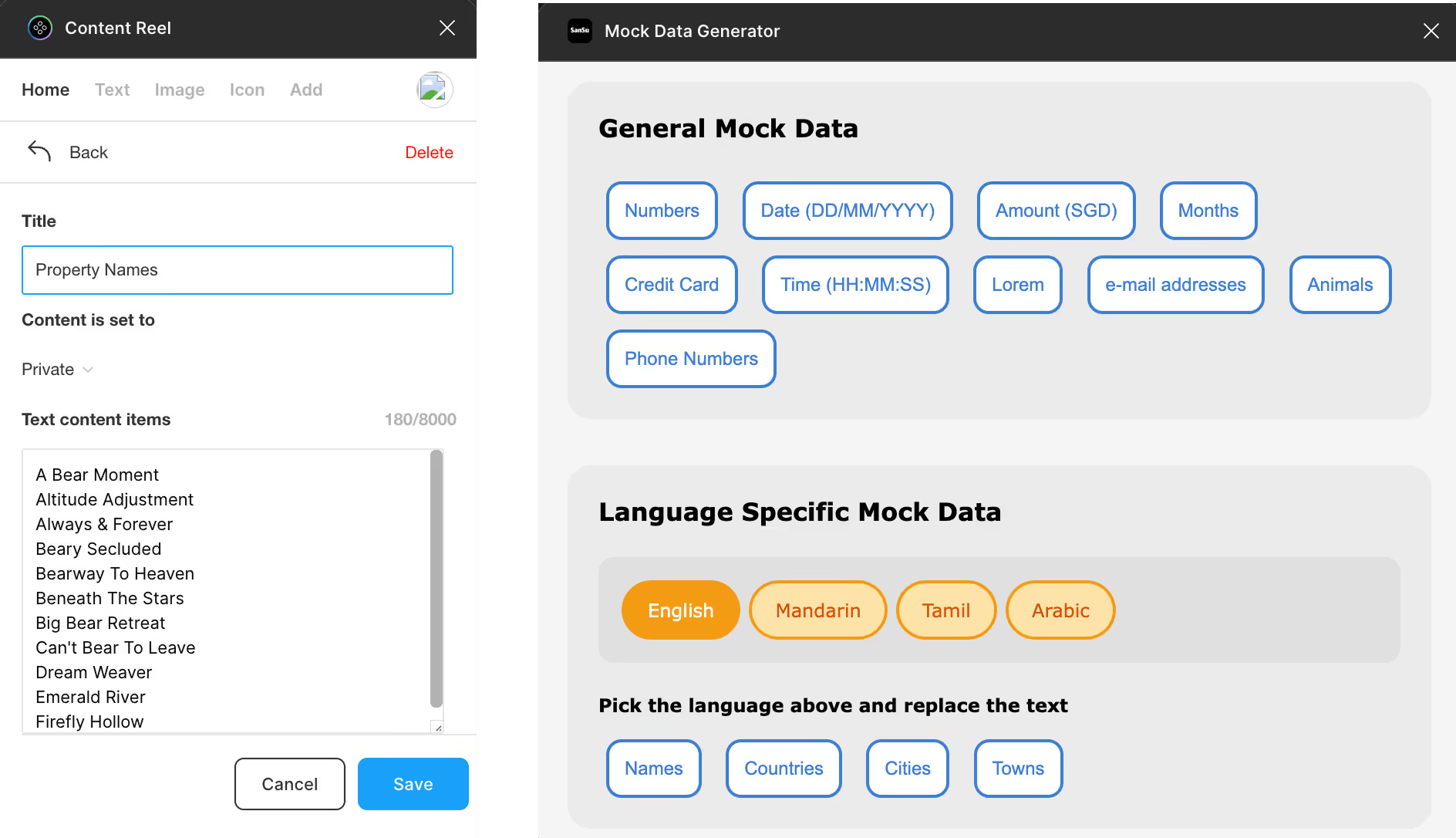
Caption: Two helpful but limited Figma plugins for inserting placeholder data into mockups.
Finding what worked
After doing some digging, I found the data.to.design plugin which let me connect Figma to Google Sheets and bulk-insert my custom text and images. Updating content was simple too: edit the sheet → refresh the plugin → done.
Building the content library
To simulate real user scenarios, I built datasets based on actual customer content:
- Realistic task titles and descriptions
- Property names ranging from simple to longer and more elaborate
- Images for each property
I connected the sheets to data.to.design and created internal Notion documentation so any designer could follow the workflow.
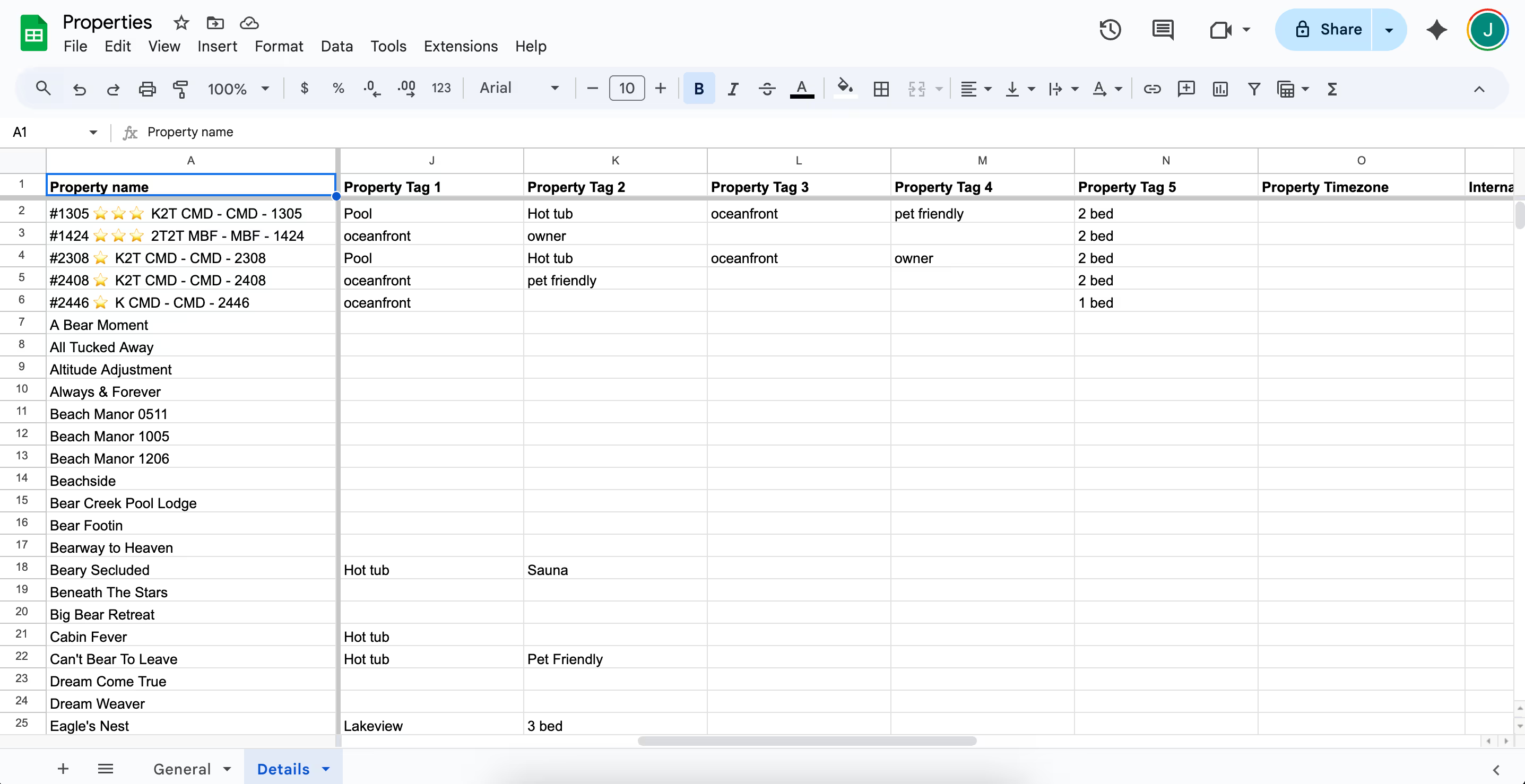
Caption: The Properties sheet was divided into two tabs to more closely match our property page information architecture and UI and make it easier for designers to find the data they needed.
After: The result
The data.to.design plugin let me connect Figma to Google Sheets and bulk-insert my custom text and images. Updating content was simple too: edit the sheet → refresh the plugin → done.

Caption: Here, I bulk-apply real property names into my Schedule mockup in just a few seconds, pulling data directly from my Properties spreadsheet using the data.to.design plugin.

Caption: Here, I insert images into multiple instances of a component in seconds using the data.to.design plugin.
Trying (and failing) to get team buy-in
I demoed the system, shared datasets, and made the documentation available to everyone.
But adoption didn’t stick. I was the only consistent user.
Meanwhile, I saw generic placeholder values reused in reviews, and watched bad copy ship to production a couple times because it had been added last minute as an afterthought.
To me, this confirmed the need. But friction was still too high.
The biggest lesson: if realistic content isn’t as effortless as dragging a component, it won’t become habit. It needed to be system-level, not an optional side workflow.
But adoption didn’t stick. I was the only consistent user.
Meanwhile, I saw generic placeholder values reused in reviews, and watched bad copy ship to production a couple times because it had been added last minute as an afterthought.
To me, this confirmed the need. But friction was still too high.
The biggest lesson: if realistic content isn’t as effortless as dragging a component, it won’t become habit. It needed to be system-level, not an optional side workflow.
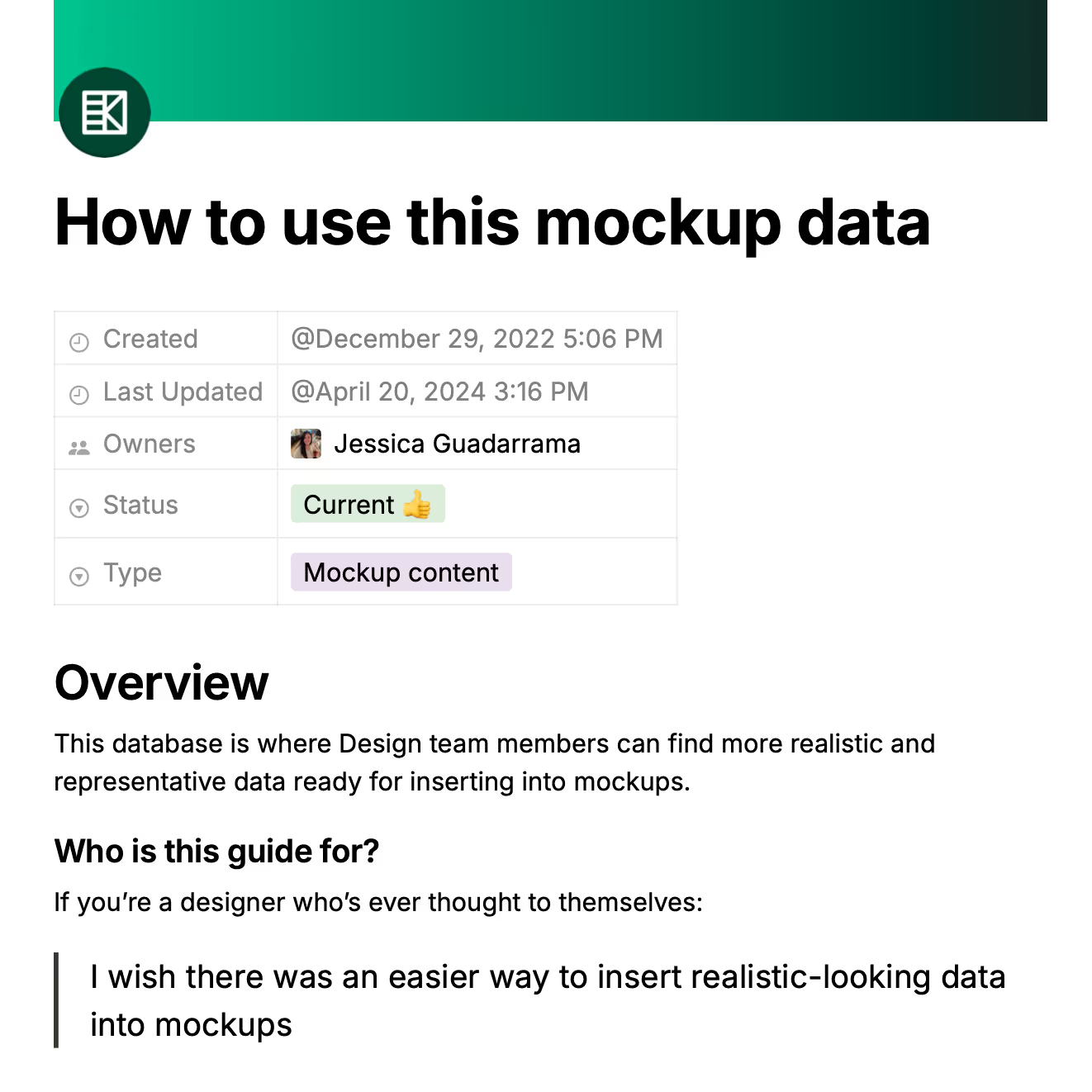
Caption: An example of the documentation I had in Notion that unfortunately, failed to get referenced. View the PDF
Why this matters
This started as an efficiency project: Speed up content in mocks. But it was really about treating language like part of the design system.
Real content early means:
Real content early means:
- Clear UI decisions
- Early detection of overflow and clarity issues
- Shared labeling patterns
- One source of truth for product language
The tool solved the immediate efficiency problem. But long-term, this needed a content system embedded in our design library, not a process one designer owned.