
Challenge
With $1.2M in ARR at risk, Breezeway needed to consolidate three fragmented scheduling systems into one self-serve platform. It had to work at enterprise scale without overwhelming non-technical users.
Approach
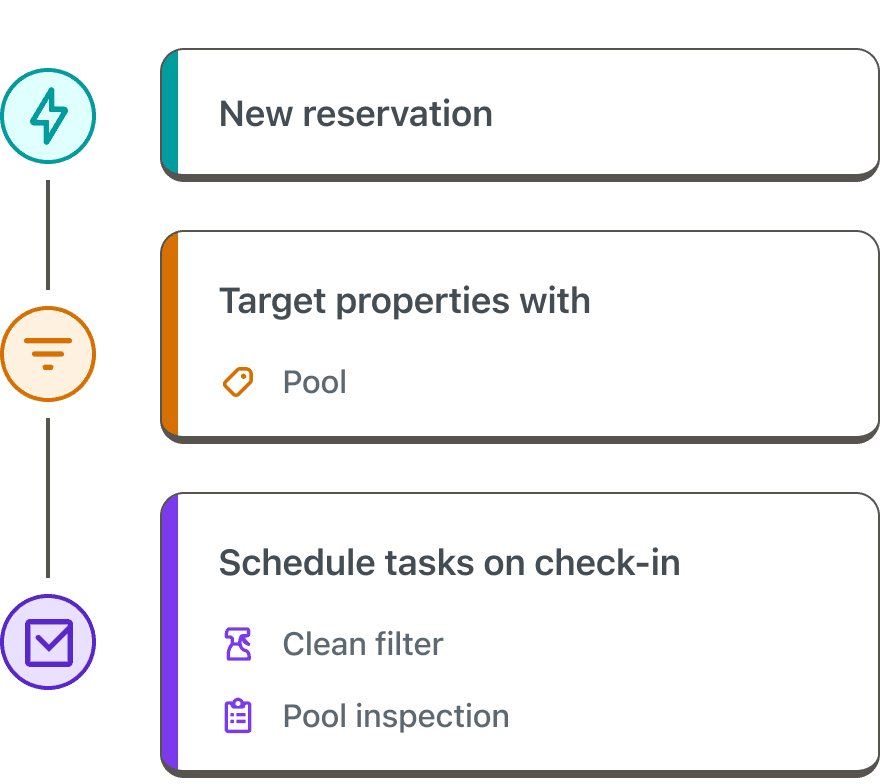
I unified the experience around a trigger-condition-action model, revealing complexity only when users needed it. Rather than shipping the full builder upfront, we launched a form-first experience on top of a node-based architecture, then expanded it in milestones.
Before
Auto Scheduler V1 (below): Of our three fragmented scheduling tools, this was the only self-serve option with an interface. It gave users only six rules, one workflow per reservation event, applied to every property. The other two were custom white-glove builds where creating a single rule required Support and Engineering assistance.

After
Automated Workflows (below): One system replaced all three. Instead of six fixed rules applied to every property, users now build their own workflows in plain language, target specific properties, and stack multiple tasks into each one, no support ticket required. The same tool works whether you manage ten properties or five hundred.
An overview of phases
We shipped in milestones to manage engineering capacity, migrate existing customers safely, and make each release useful on its own.
- M1: Basic rule builder and filters
- M2: Turn-specific scheduling, plus migrating existing customers
- M3: Offset logic and multi-task workflows
Once M3 was complete, we launched an open beta and collected feedback from beta users and Support, which informed our next set of improvements.
Impact
- 50 → 81
- CSAT
- -90%
- Monthly feature requests
- $7M → $12.7M
- ARR
- 100%
- At-risk customers retained
More projects


Connect
Need help building experiences that deliver a resounding ‘wow’? Let’s talk.
Copyright © 2026 flor de nopal